
Estimate templates
Estimate templates can be used to build out common estimates that are regularly sent out to your prospects and customers. First, navigate to the Admin page and then click on "Estimate Templates" on the left.
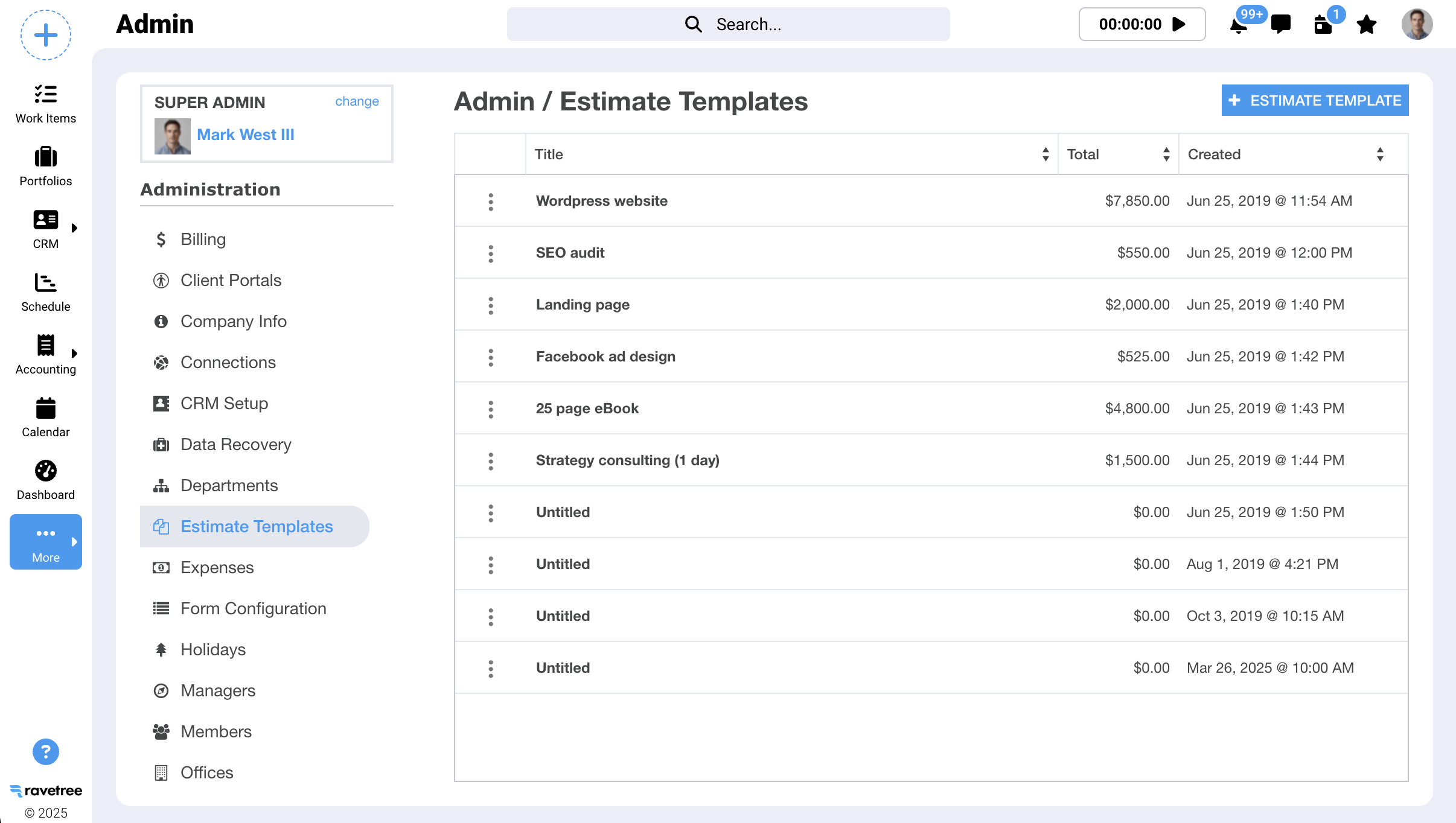
Next, click the "+ Estimate Template" button to create a new estimate template. As you enter information into your template make sure you click the "Save" button to preserve your changes.
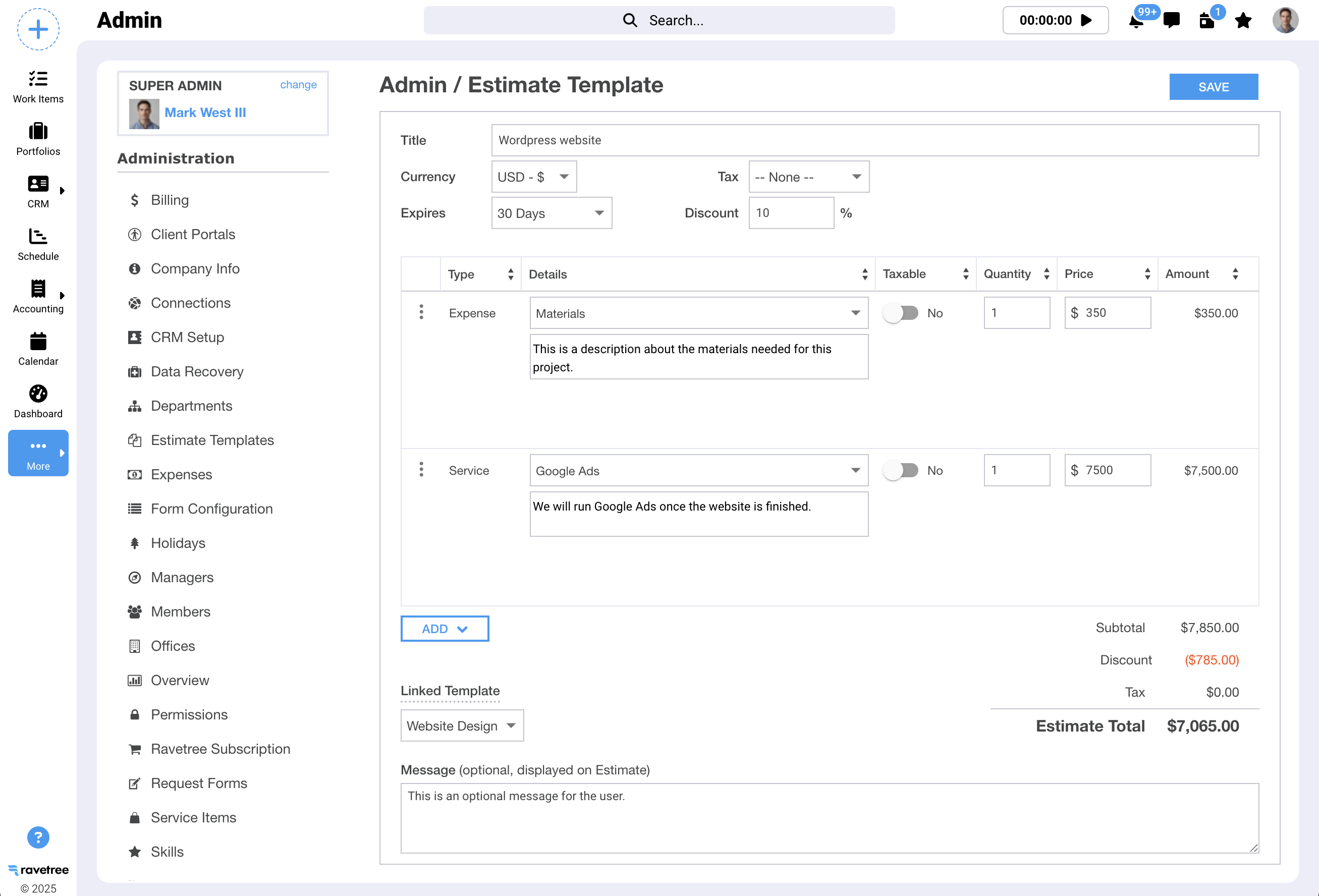
Linked Template
In the screenshot above, notice the "Linked Template" option. This allows you to link a work item template to the estimate template. Whenever an estimate is created using this template it will also be linked to the work item template (in this case, "Website Design"). Work items in the linked template will be generated whenever your estimate has been accepted by your client.