
Google Calendar
The integration allows for two-way syncing between events created on either calendar. That is, you can create events in Ravetree and they will show up on your Google Calendar. Likewise, events created on your Google Calendar will show up on your Ravetree calendar. Updates made to events on either calendar will propagate to the other calendar.
The Ravetree calendar can also show work items, but these will not appear on your Google Calendar.
Enabling The Integration
To enable the Google Calendar integration go to your "My Settings" page and click on the "Connections" section on the left. Then, click on the switch next to the Google Calendar logo. NOTE: If you don't see the Google Calendar option on your Connections page, then it means your Ravetree admin hasn't enabled it for your company. They can enable it by following the instructions here.
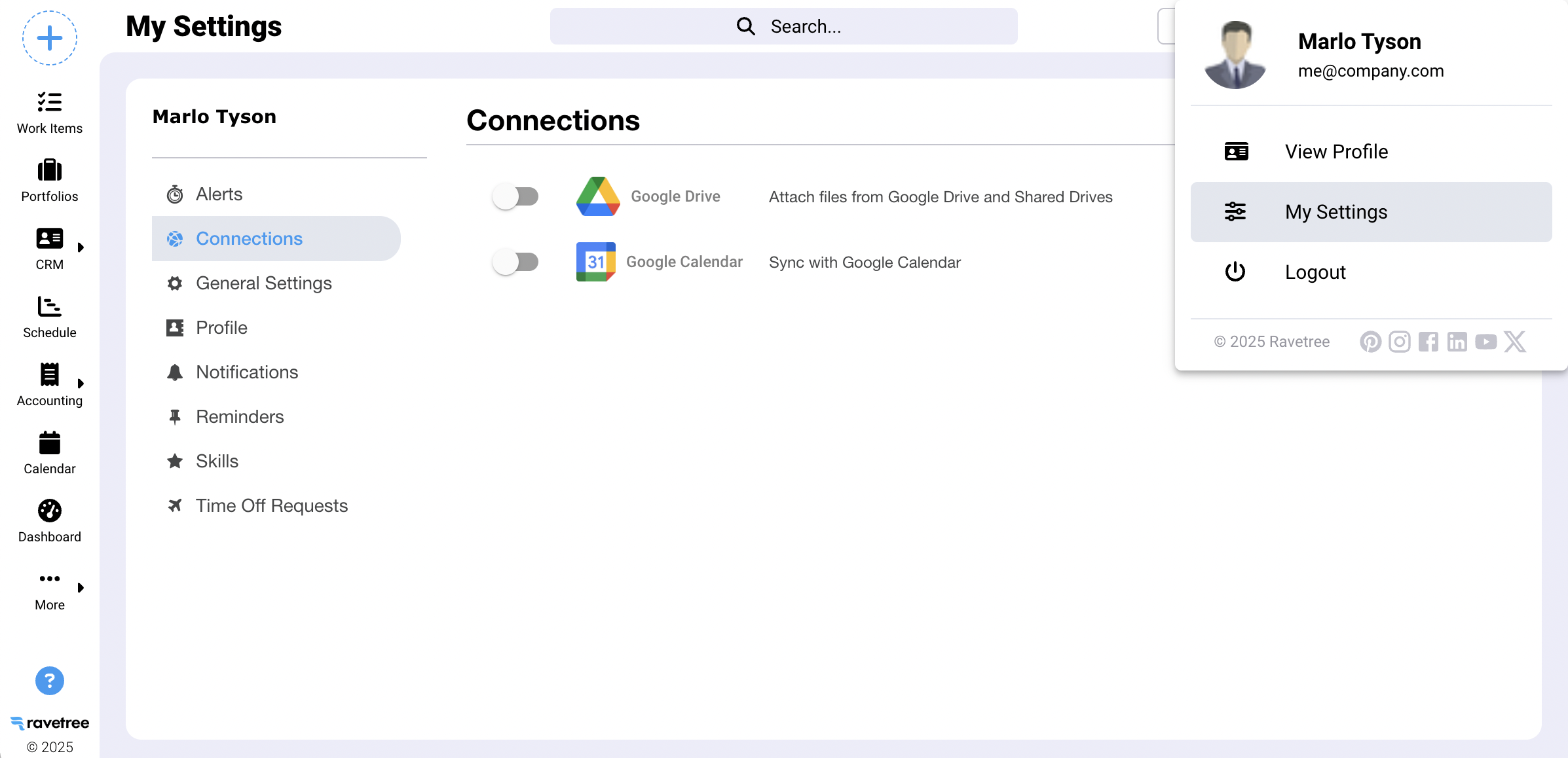
After enabling the integration you will need to follow a series of popup modals that request access to your Google Calendar information:
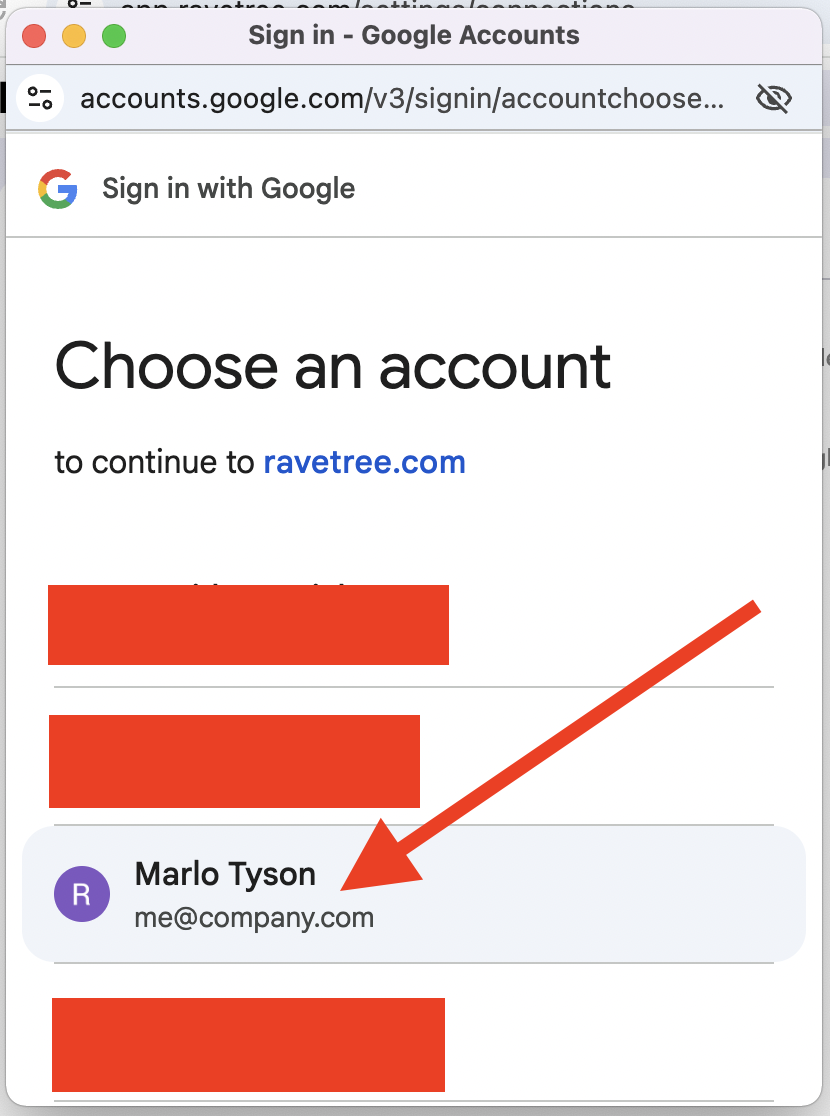
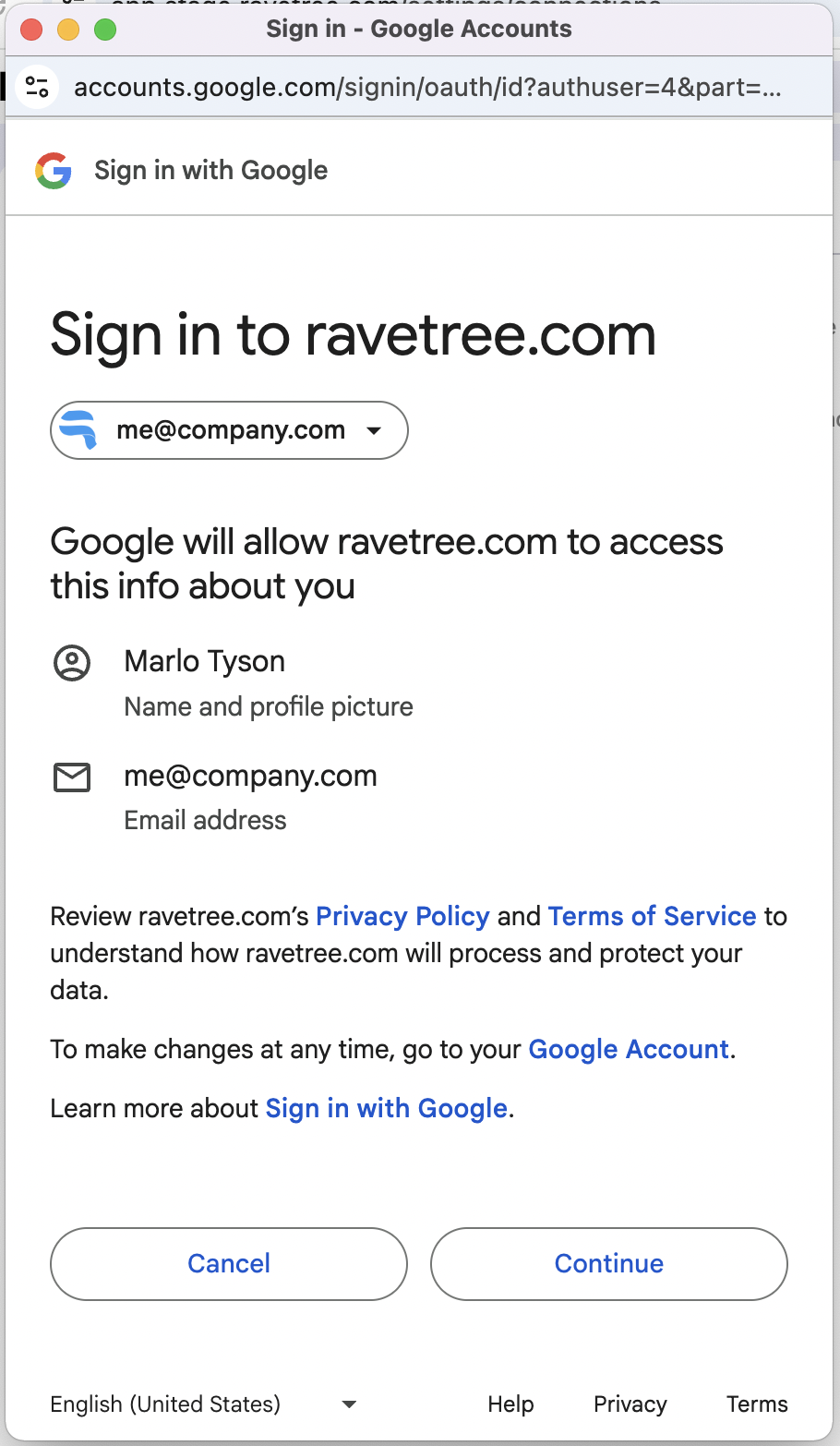
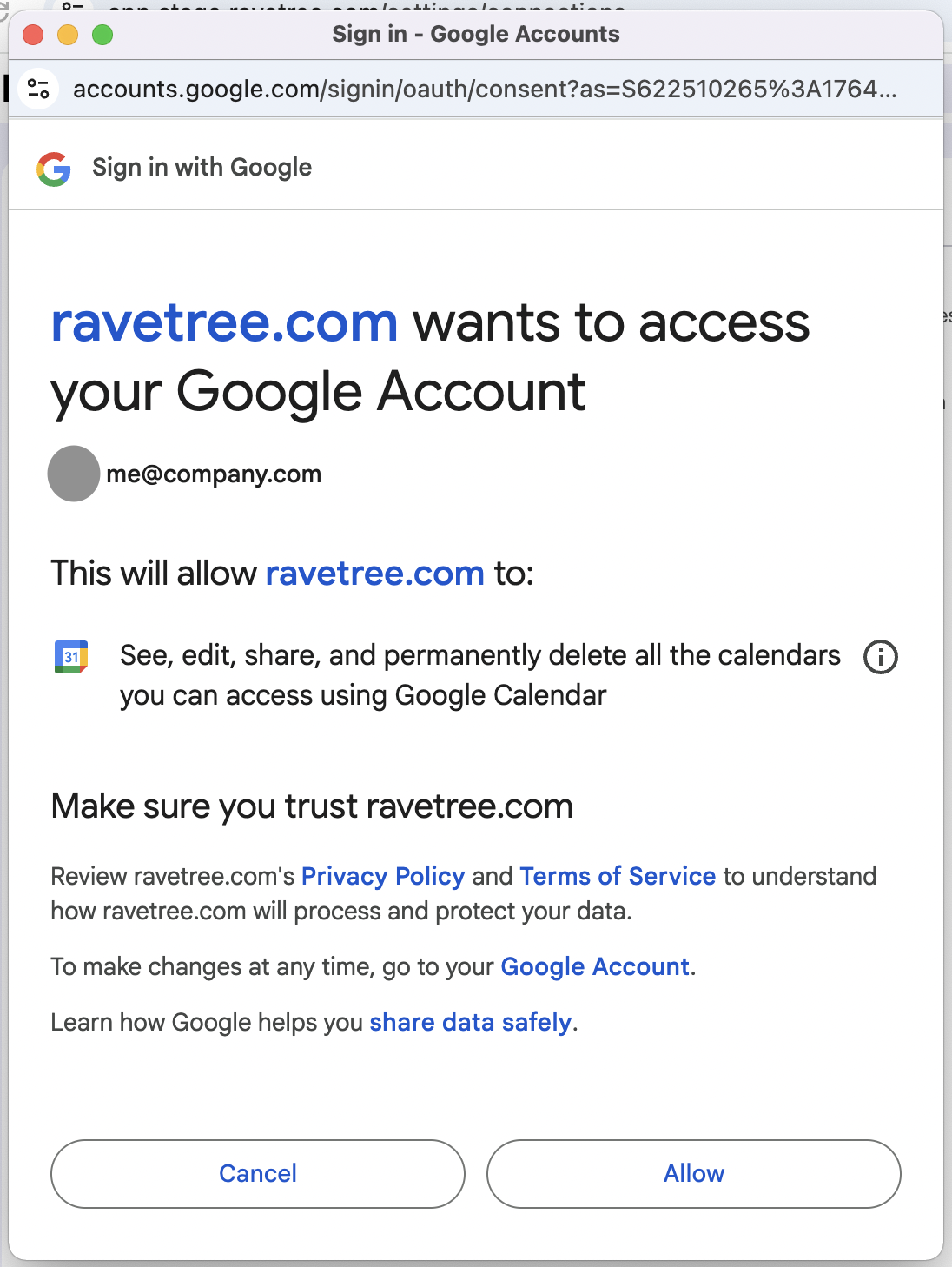
After enabling the Google Calendar integration all of your events from the previous month will now appear on your Ravetree calendar. I may take a few minutes before this one time sync happens.